Quick start
Make your first film
Set up CineCode on your Mac, write a short brief, and export your first video as an MP4.
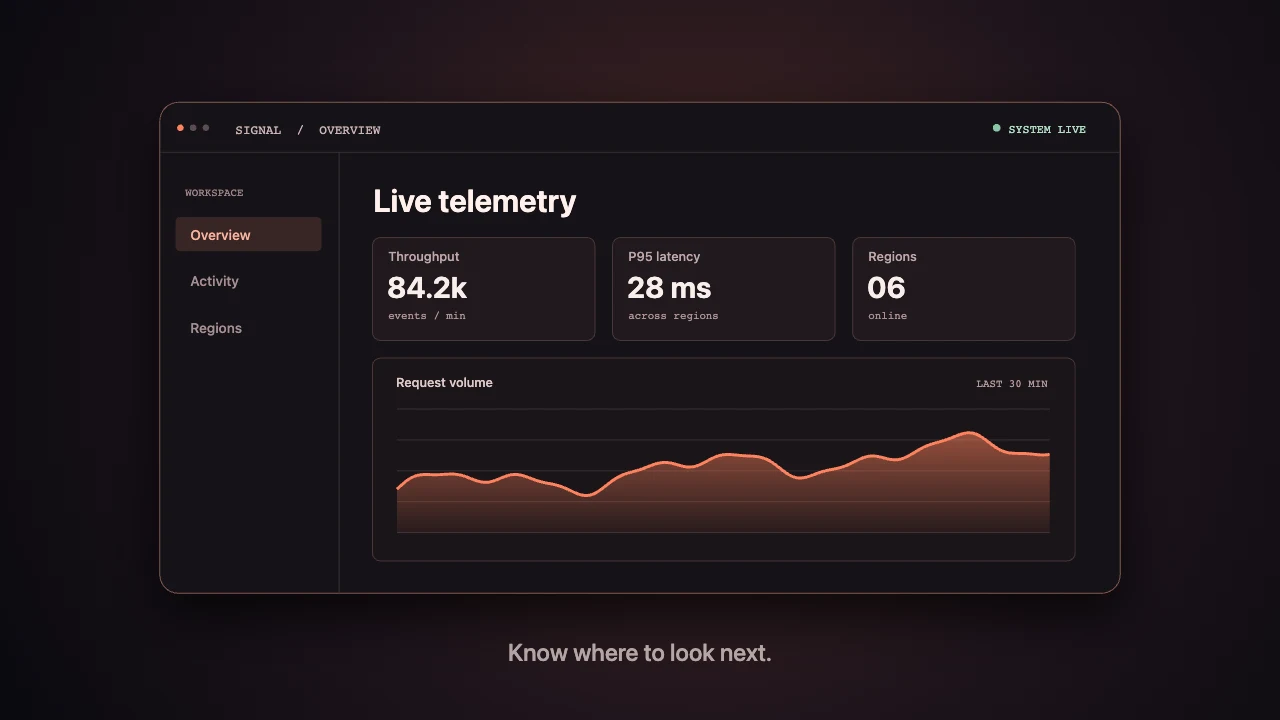
Set up your workspace
Open Claude Code or Cursor on your Mac. Use a fresh local folder for the film so the project files, drafts, and final export are easy to find.
CineCode uses Node.js 22 or later, Python 3.9 or later, FFmpeg, and Chrome or a supported Chromium browser. Install the skill before opening a new agent session.
Focus on one idea
Start with a 15-second video in Quick mode. Pick one thing the viewer should understand, then specify the format, visual direction, and soundtrack. Use the example below or adapt the Signal / 01 brief.
Use CineCode in Quick mode to make a 15-second product film for a fictional telemetry dashboard.
Format: 16:9.
Open on a warm sunrise, reveal the dashboard, then hold on the product name.
Keep labels legible. Use ambient sound without a narrator.Review the draft and export
Review the beat plan and preview frames before rendering a draft. Play the draft through once, then send timestamped notes. For example, ask for the dashboard to stay on screen one second longer.
Approve the final render and open the MP4 at the path your agent reports. Check the duration, aspect ratio, readable type, and sound before sharing. Keep the project folder so you can revise and render again.
Test your setup with a working project
Download and unzip the Signal / 01 template. Run the command below from the directory containing render.mjs. It exports the supplied scene to the exports folder with Node.js, Chrome, and FFmpeg.
If the template renders but your own film does not, compare the first error in your film’s output with the troubleshooting guide. The template gives you a working scene and an example folder to compare against.
node render.mjs launch ./exportsQuestions before your first export
Can I render CineCode videos on Windows?
The project documents using PowerShell and runs automated Windows tests. Its documentation says a full film export on Windows is still untested. Start in a dedicated film folder. If the audio export reports a file lock, close any app using the file and retry.
Why is CineCode rendering slowly?
Ask your agent to run the capture probe and check whether Chrome can use your GPU. A CPU fallback can be enough for a preview, but it can take much longer to export a full video. Try a short draft to check the setup before rendering the whole piece.
Why does my exported MP4 have no sound?
First check that the project preview contains the music, sound effects, or narration you expected. If the preview has audio, ask your agent to inspect the exported MP4 with ffprobe and check whether it contains an audio track.
Where do I find the credits for music and images?
Look beside the final MP4 for the credits text file and check LICENSES.csv for the assets the project logged. Review each asset’s terms and put any required credits in the video description or post caption. Check the terms for your own uploaded materials too.